







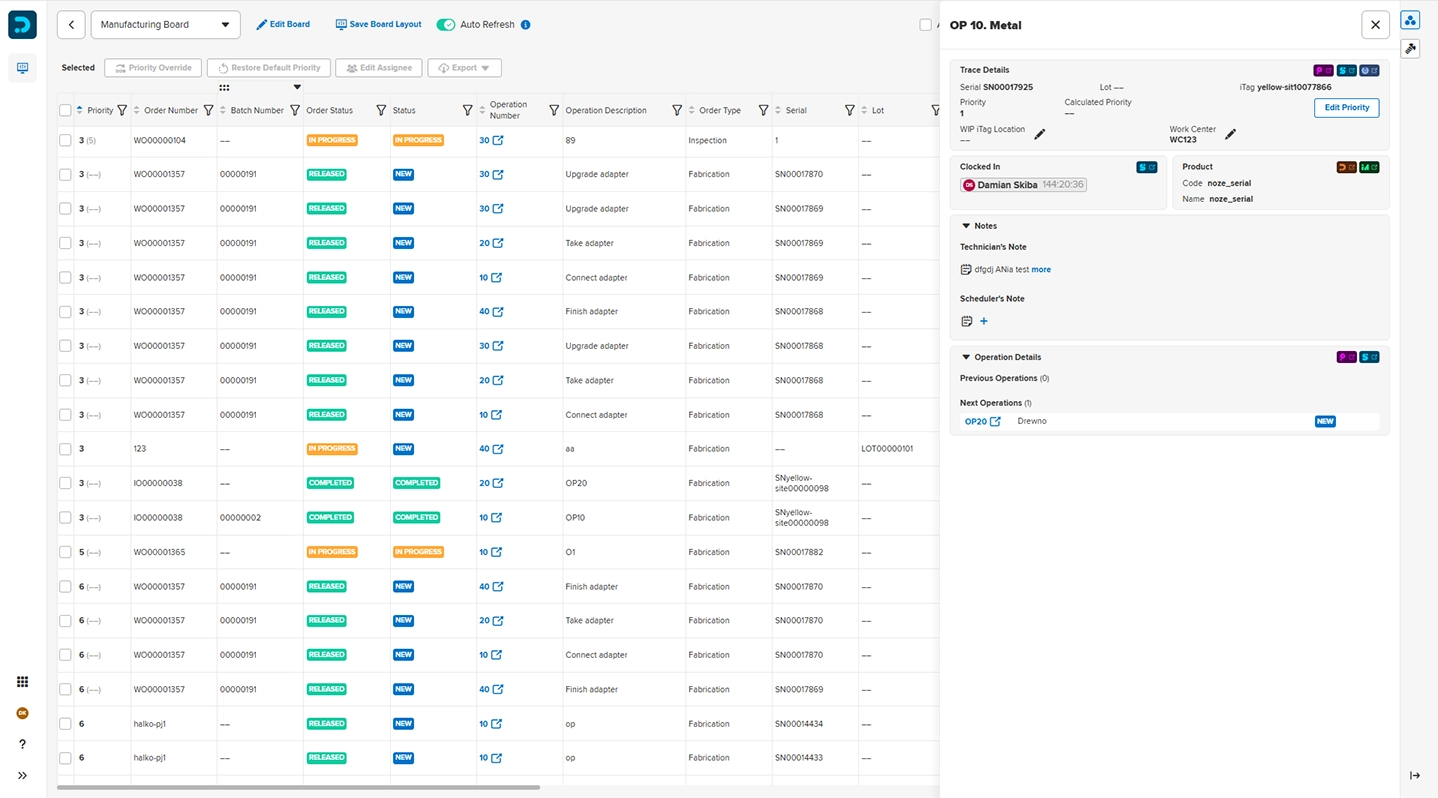
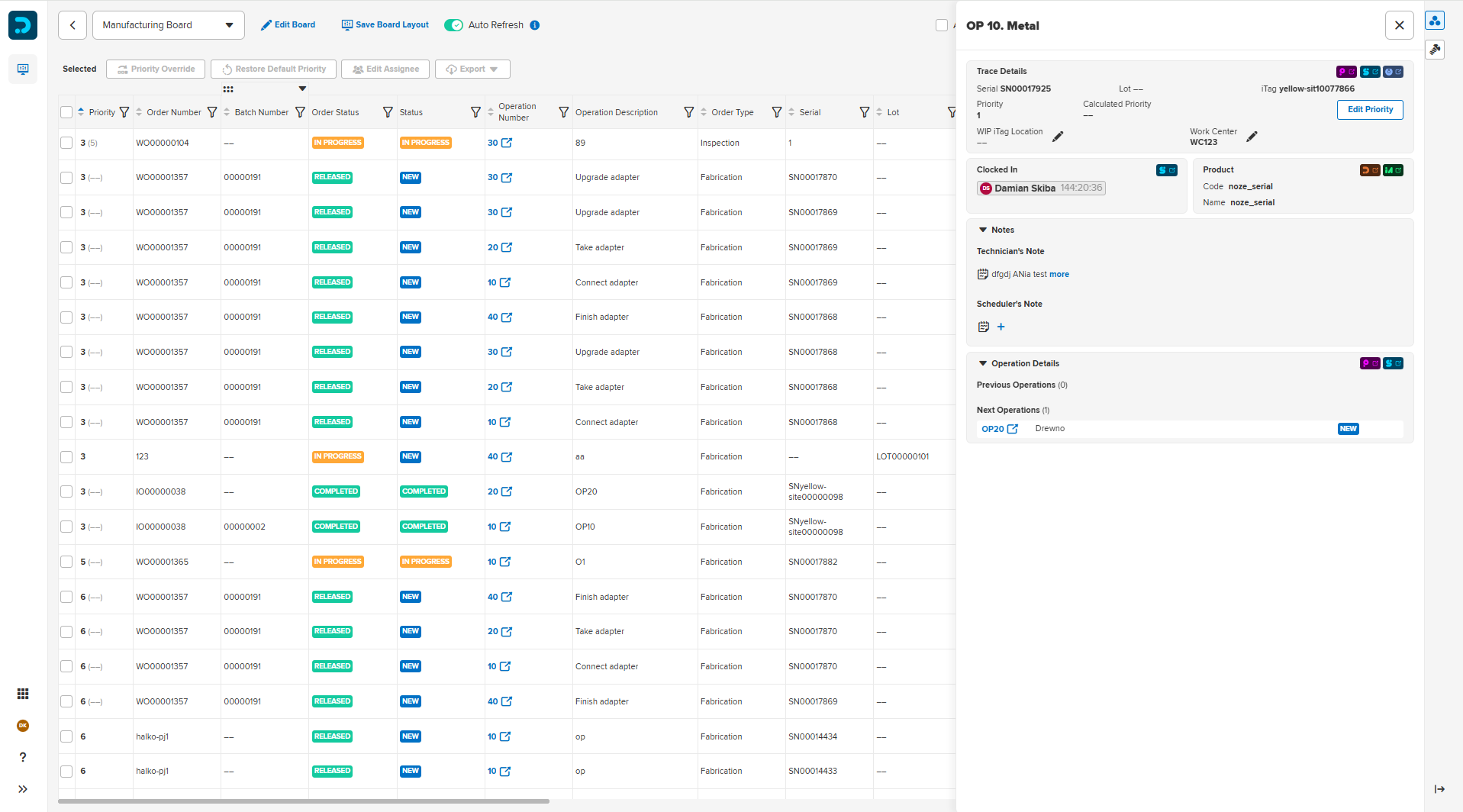
Dispatching provides comprehensive visibility into all manufacturing activities
Manufacturo’s Dispatching is a centralized shop floor dispatching software that visualizes all operations across your work orders. It tells your team what to work on next, what's blocked and why, so the idle time is minimized.
Why dispatching matters
On most shop floors, workers spend part of their day figuring out what to work on next. Engineers react to whoever shouts loudest, not to what's actually blocking production. Planners make priority calls that take hours to reach the floor. By the time the right person is working on the right thing, time has already been lost.
In complex manufacturing, one of the biggest sources of waste is the time your team spends waiting for their next task. Dispatching eliminates that waste by giving every person on the shop floor a prioritized and real-time view of their work.
Engineering teams tend to prioritize tasks that are escalated most loudly, instead of taking care of what is truly blocking the manufacturing process. Dispatching changes that, by showing engineers which of their pending actions are holding up active work orders, so the right things get unblocked first.
Dispatching is available as a core application within Manufacturo
Key Capabilities

Custom boards
Every team gets a digital board built around their work, customized to a person, a role, a work center, or a production line. Boards can be organized by product, program, or customer, and the WIP status stays current through barcode integration. They refresh in real time, so what you see is always up to date.

Blockers
A blocker is a signal that an operation can't proceed. Define custom types in the Manufacturo’s Integrator, or push blockers from third-party systems via public API, so your team can discover and resolve problems before they cause delays.

Priorities engine
Dispatching calculates the priority of each work order and operation, automatically, based on scheduled start and completion dates, including MRP want dates, giving every board a single source of truth.

Discover how Dispatching works
Learn more how manufacturers use Dispatching to reduce idle time across their entire production process.
Custom digital boards for the entire shop floor
Whether you're assembling complex systems or printing precision parts, the Dispatching App supports every stakeholder on the floor:

Technicians and operators
Always know the next highest-priority task. No supervisor needed to assign work.
Use Case: The next ready job is already at the top of technician's board; they open it in Shopfloor Operations to clock in.

Manufacturing and quality engineers
See which pending actions are blocking active production and prioritize accordingly.
Use Case: An operation blocked by a nonconformance instantly appears on QE's board and never becomes a missed delivery.

Planners
Real-time view across work centers and lines.
Use Case: Run multiple boards simultaneously, one per work center plus a roll-up view, to track flow and risk across the entire operation.

Schedulers
Push a rush order to the front.
Use Case: A customer's escalation comes in, and the scheduler overrides orders priority which is instantly reflected on every board site wide.

Management and executives
Read operational health at a glance.
Use case: A site-wide roll-up board shows in real time what's ready, what's blocked, and where delivery is at risk.

Material Handlers
Delivering the part that unblocks the most.
Use case: An expediter has more pull requests than time. Their board shows, in real time, which high-priority job is short only a few kitted components and where those parts are.
Read more about how Dispatching enhances efficiency and coordination
Dispatching was built on the principles created by James Montgomery, our Chief Product Officer, who has years of experience in manufacturing firms, including SpaceX. James believes that managing a constantly shifting production environment at scale means rethinking how work gets assigned, prioritized, and unblocked. He wrote a blog post describing the influence of Dispatching on the manufacturing process.

Take a virtual tour
Book a meeting with us to learn more about Manufacturo's Dispatching
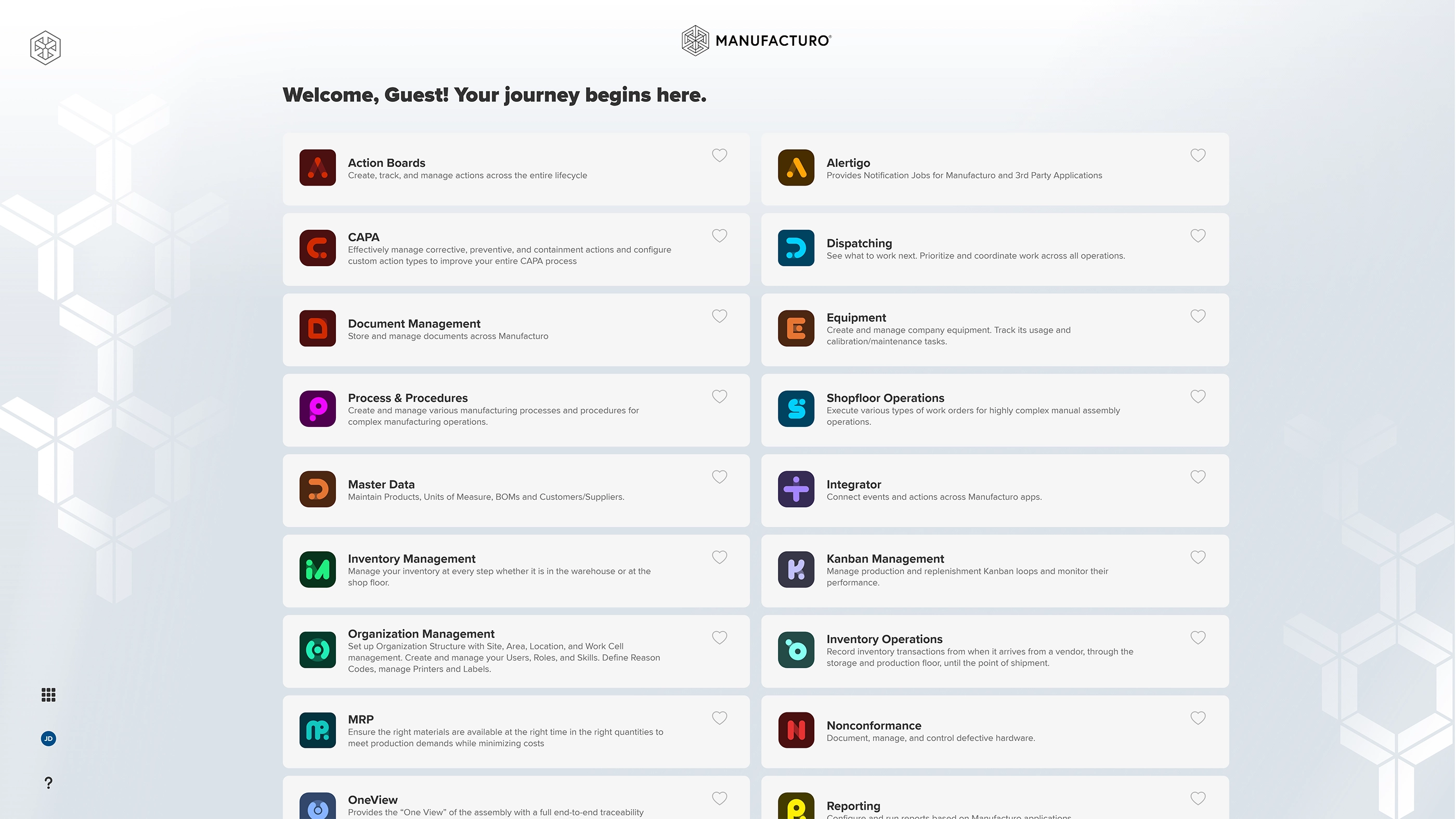
Check out our other applications

Seamlessly drive your production across all manufacturing models

Streamline your production processes and cut manufacturing costs

Monitor equipment availability, status, maintenance and calibration dates to eliminate inefficiencies

Ensure the right materials are available to meet production demands

Control all inventory movements and contain defects at every step

Transforms pull-based replenishment into a connected, responsive system

Eliminate nonconformance issues, mitigate nonconformity risk, and increase regulatory compliance

Effectively manage corrective, preventive, and containment actions and configure custom action types to improve your entire CAPA process

Centralize and control all documents within Manufacturo

Integrated, Transparent Action Tracking for the Shop Floor

Gain enhanced traceability to increase safety and compliance

Gain holistic visibility to predict, identify, and eliminate potential issues before they become critical blockers

Embed screens and customize attributes to improve data accuracy, streamline workflows, and increase productivity